 Hintro
Help for the moments that
decide the deal.
Boxy sits on your screen, hears the buyer, pulls from your own material and shows you what to say. Only you can see it.



Your help on the call.
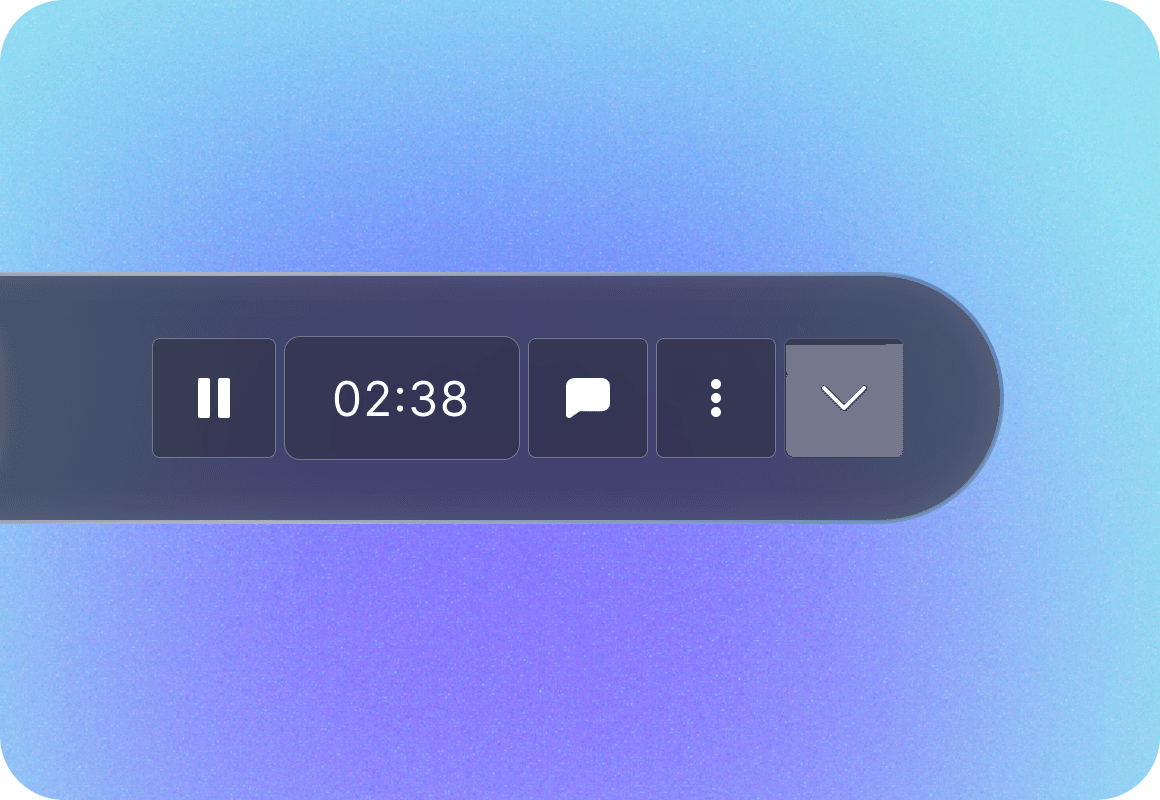
Boxy is Hintro's private desktop overlay. It listens to the conversation and shows you live suggestions drawn from your own material. Only you see the help.
Some sales calls turn in a few seconds: a price question, a doubt, a pause. Hintro gives you the answer in that moment, from your own material, so you keep the deal moving.
Built from your material
Pitch decks, pricing, case studies and client notes. Every answer comes from what you taught it.
Private by design
Nothing joins the call and nothing shows on the buyer's screen. Boxy is yours alone.
Speaks your buyer's language
20 languages, including Hindi and Hinglish, even when the call switches mid-sentence.
Walk in knowing
the account.
Hintro reads your notes and past calls and builds a brief before every meeting. Then you can practise the call with an AI buyer who pushes back like the real one.
See pre-call briefs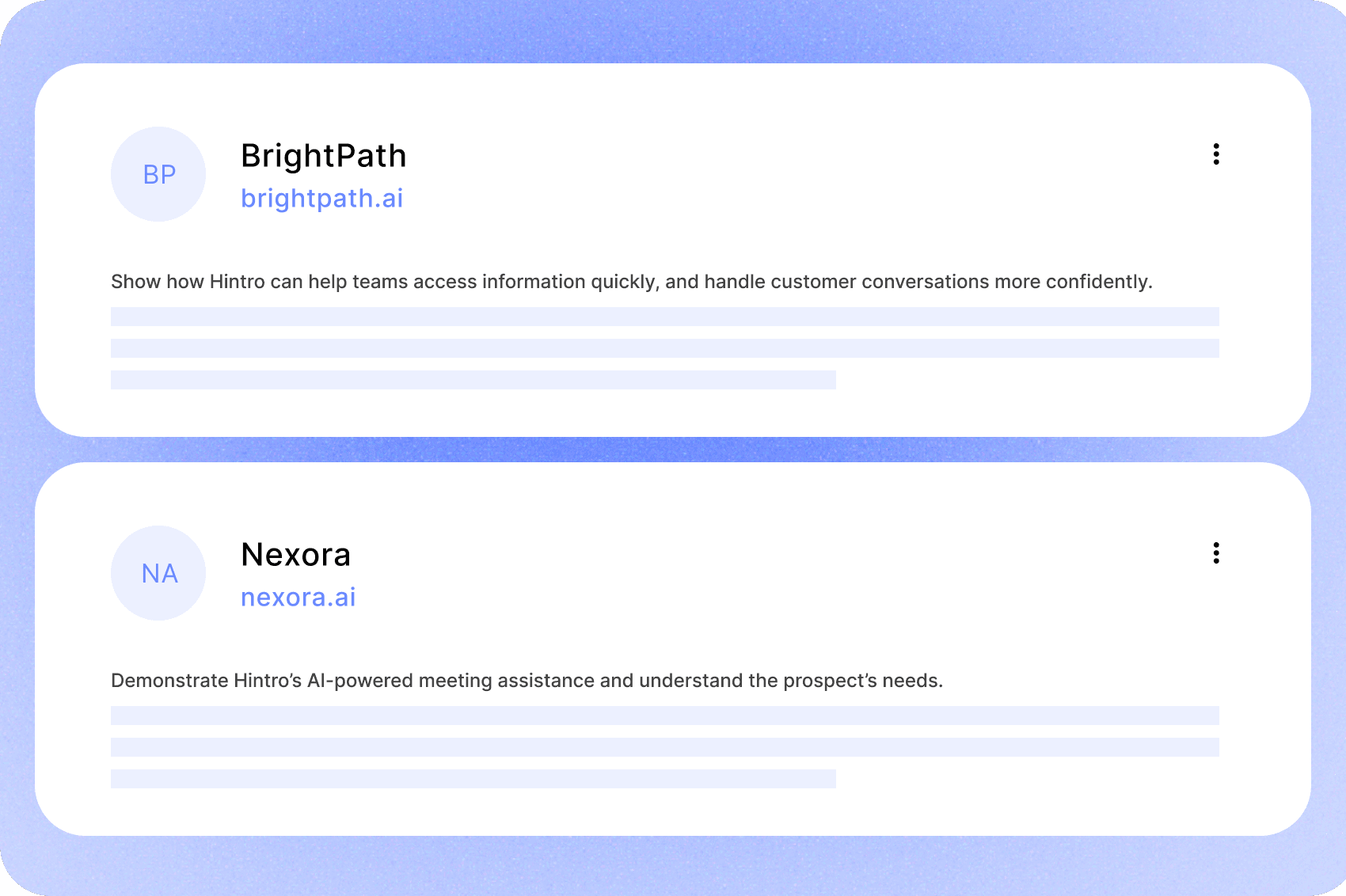
Pre-call briefs
Who is on the call, what came up last time and the opener that fits.
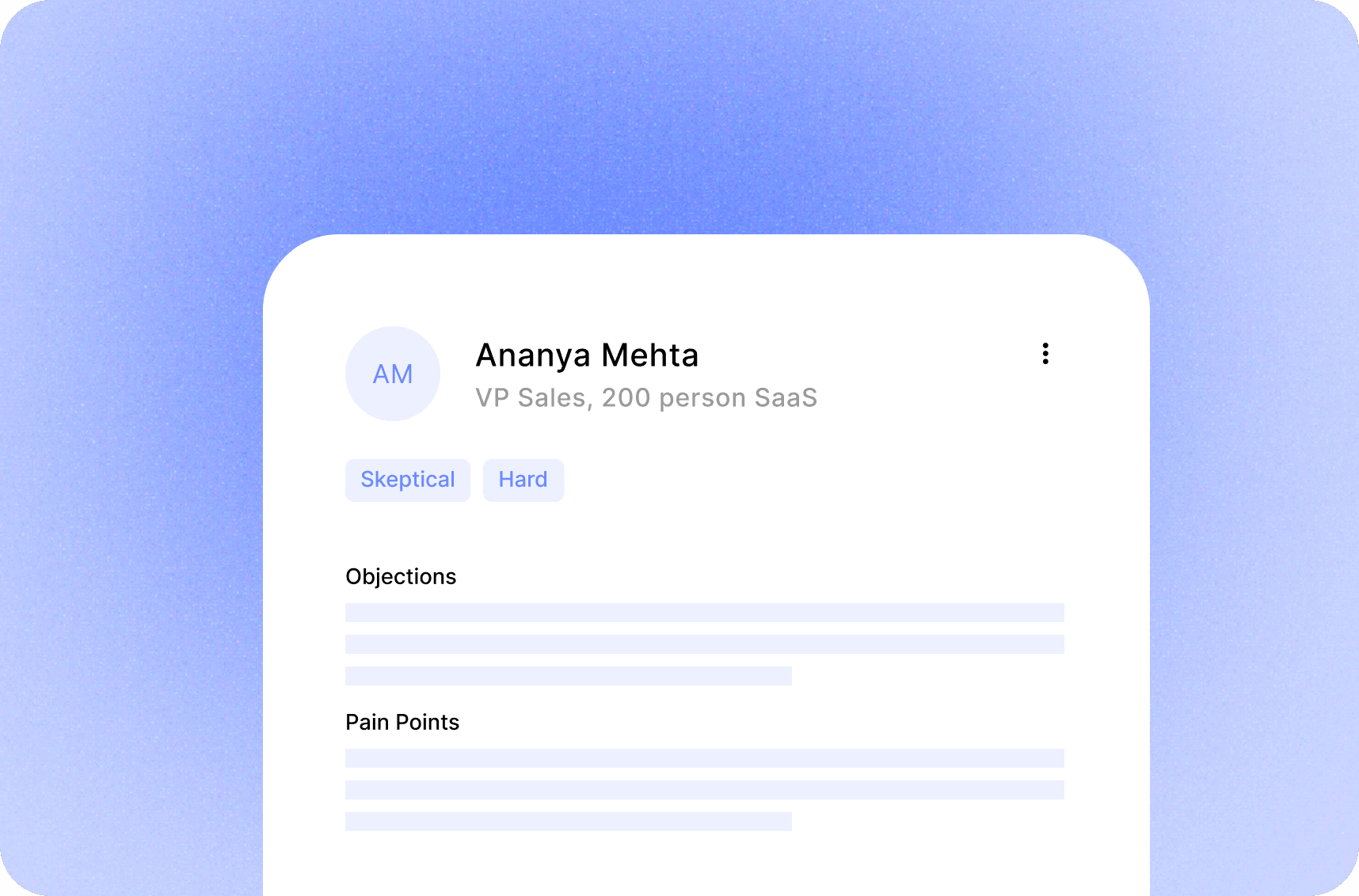
Mock calls
Pick a buyer, from friendly to hard, and rehearse the objection before it happens.
Help in the moment
that decides the call.
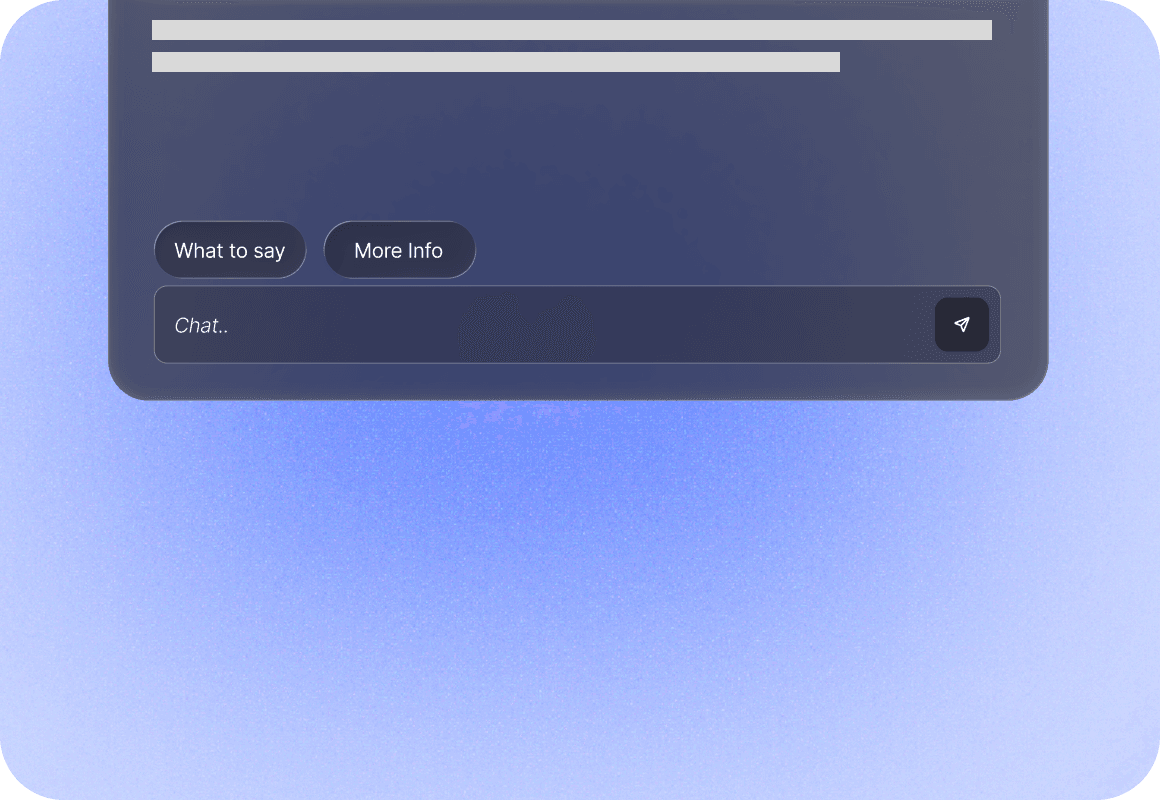
Boxy listens to both sides and waits for you. Click a button or type a question, and the answer shows up in a second or two.
See Boxy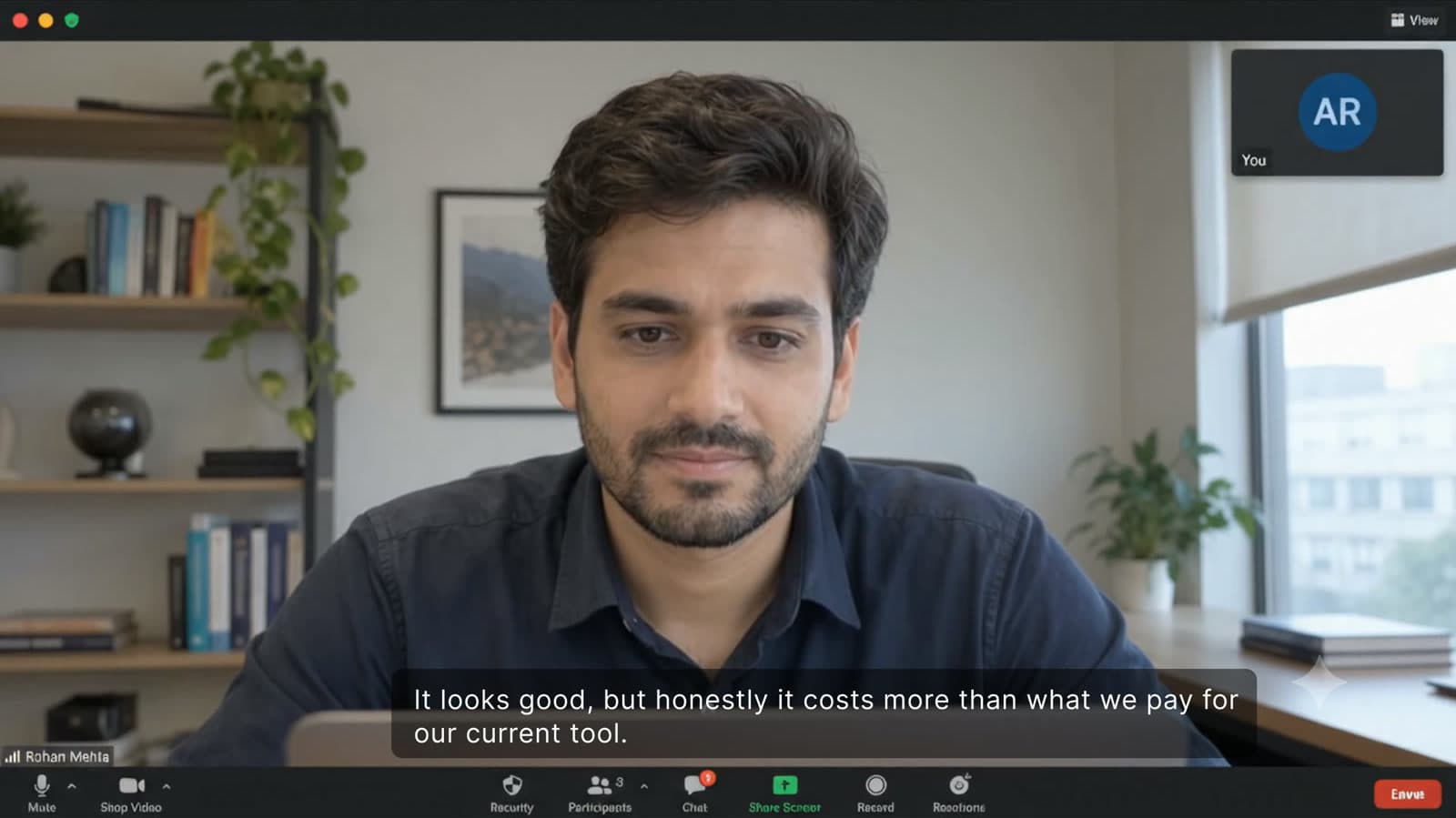
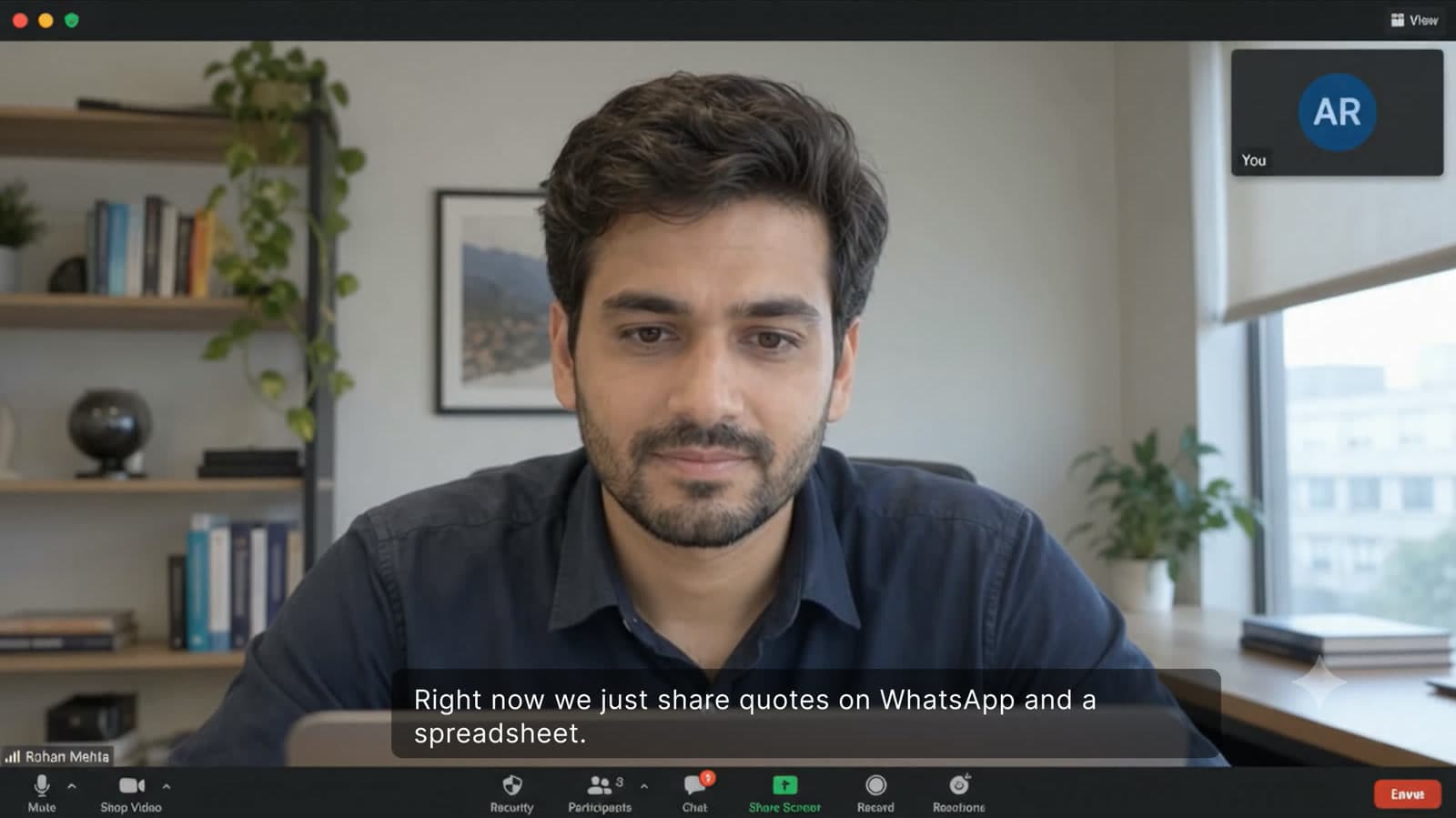
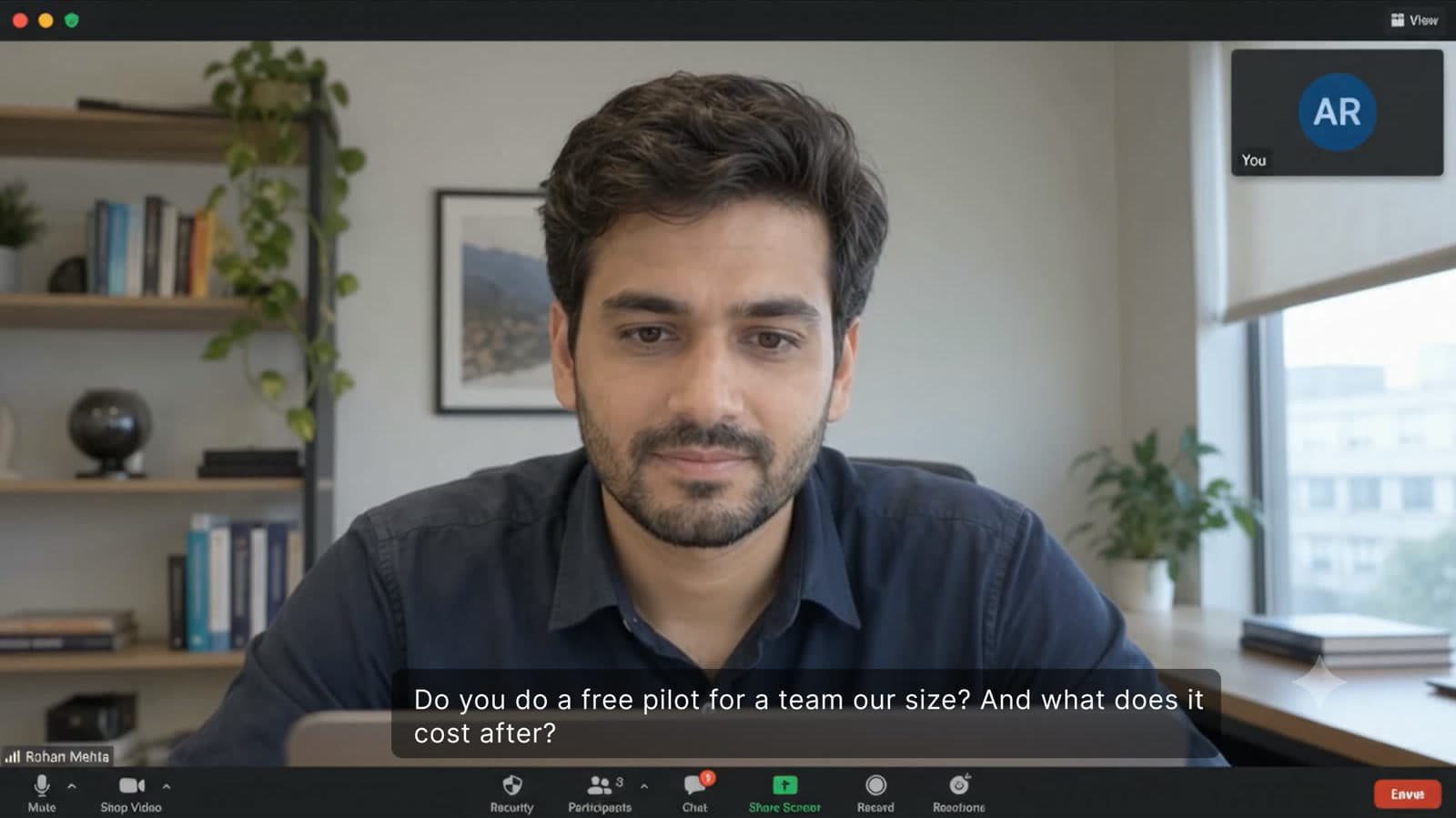
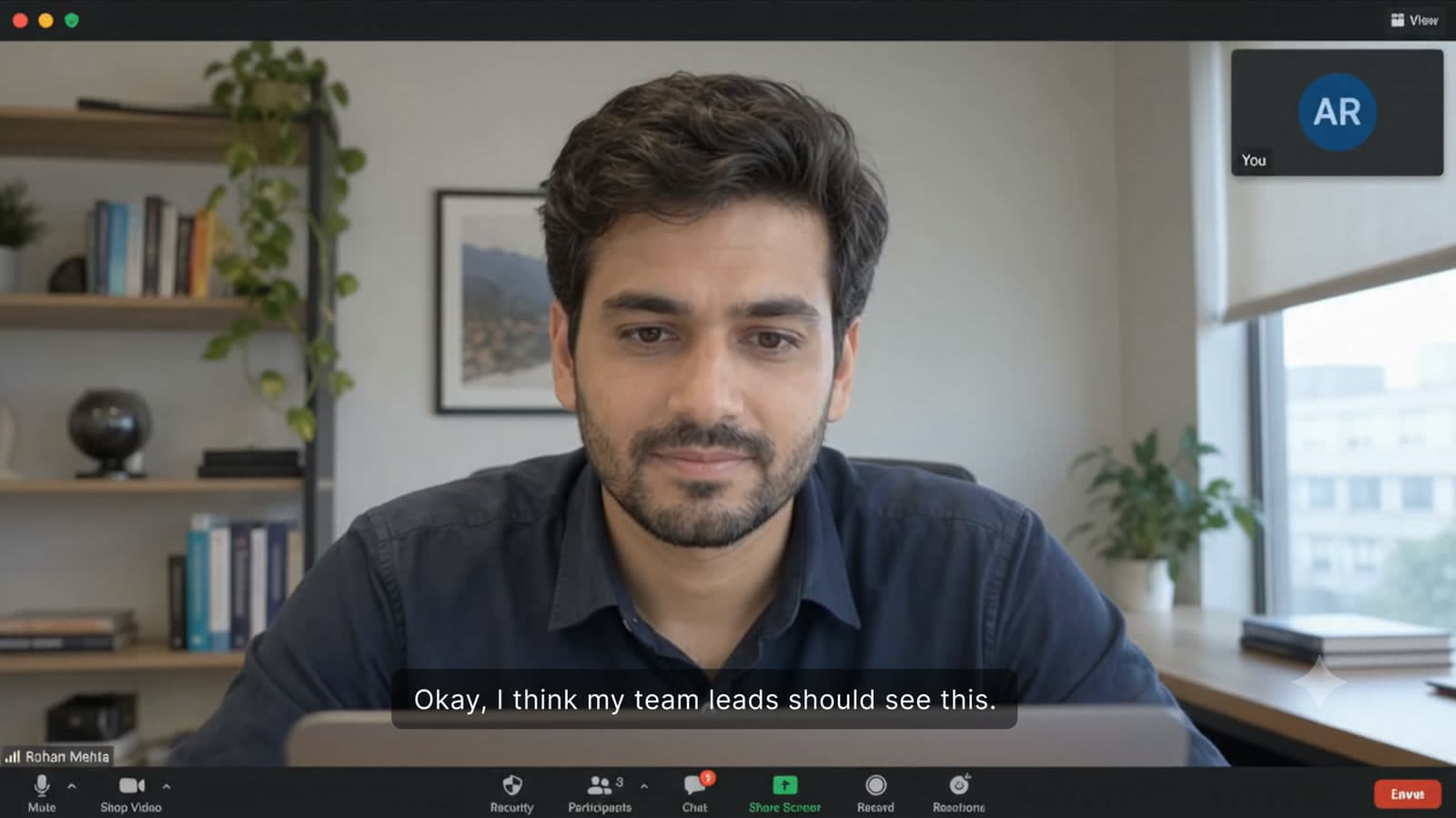

Click any button to see Boxy answer.
The follow-up is written
before you hang up.
Summary, objections, next steps and a follow-up email, ready the moment the call ends. Hintro syncs them to your CRM so nobody types notes at night.
See post-call insights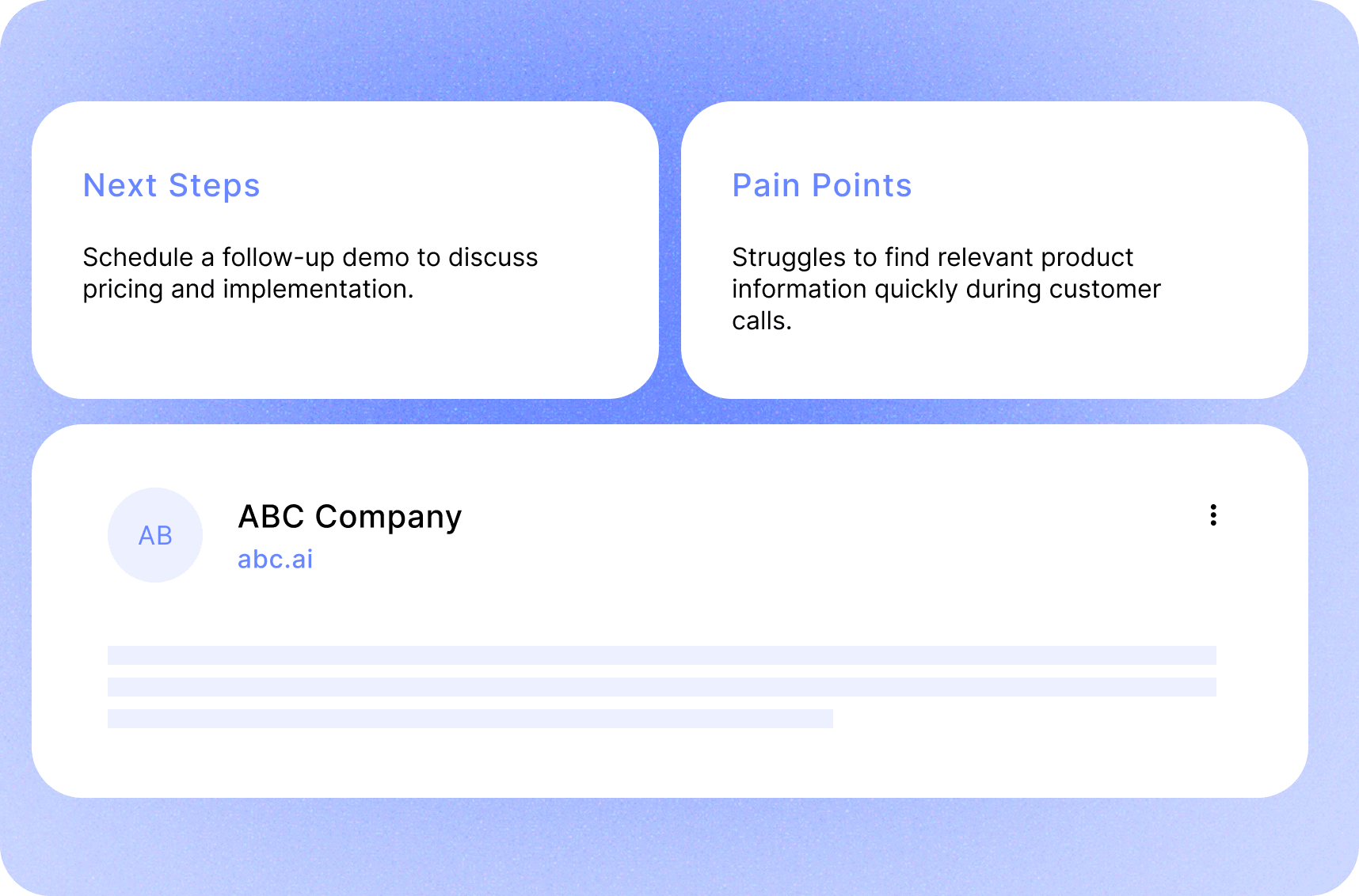
Post-call insights
Short summary, every objection and how you answered, and next steps with owners.
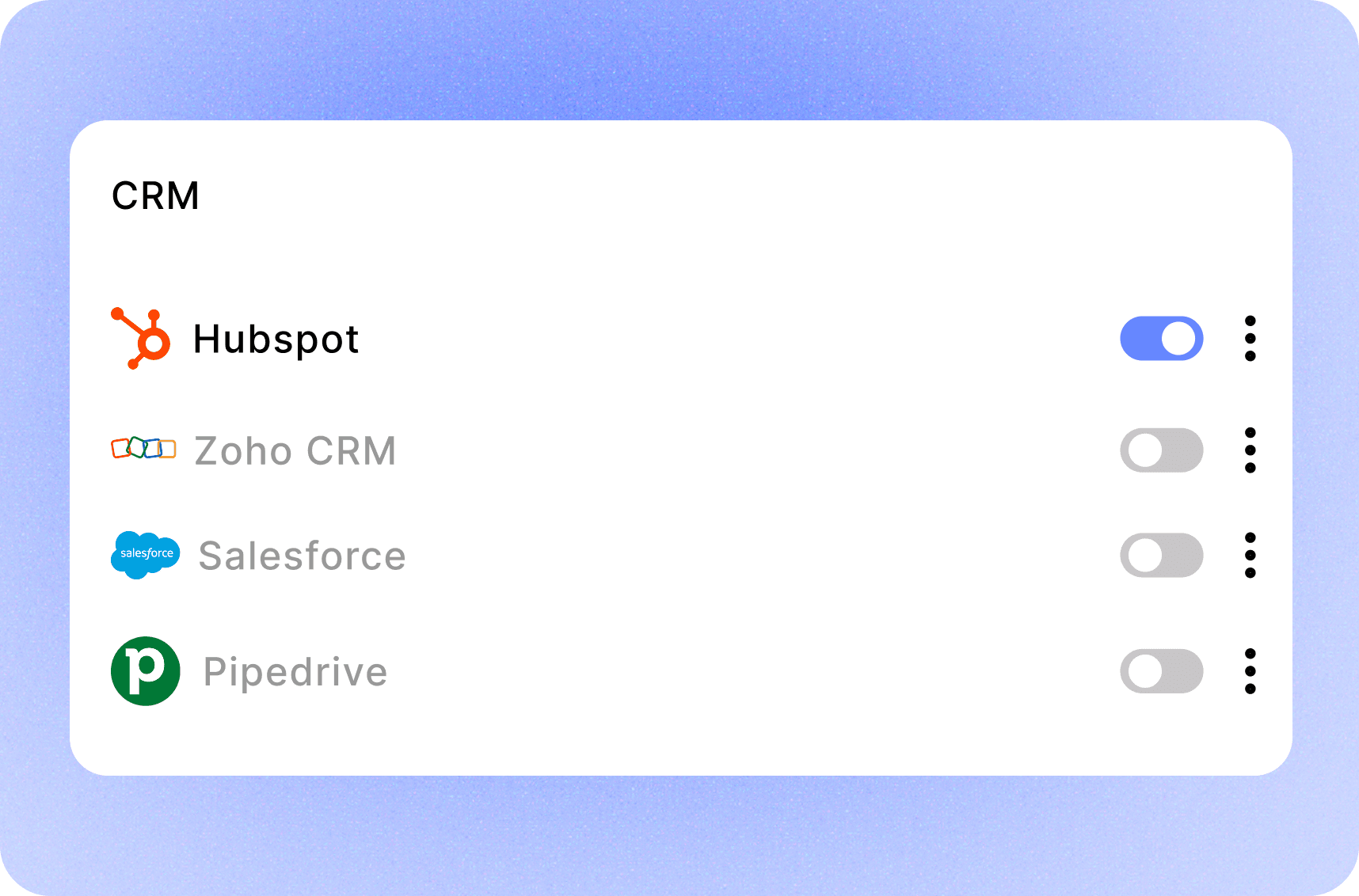
CRM sync
Summaries and next steps go straight to the deal in HubSpot, Salesforce, Zoho or Pipedrive.
One brain for the
whole sales team.
Share one knowledge base across the team, keep client context in one place and manage seats and billing from a single workspace.
See team workspaces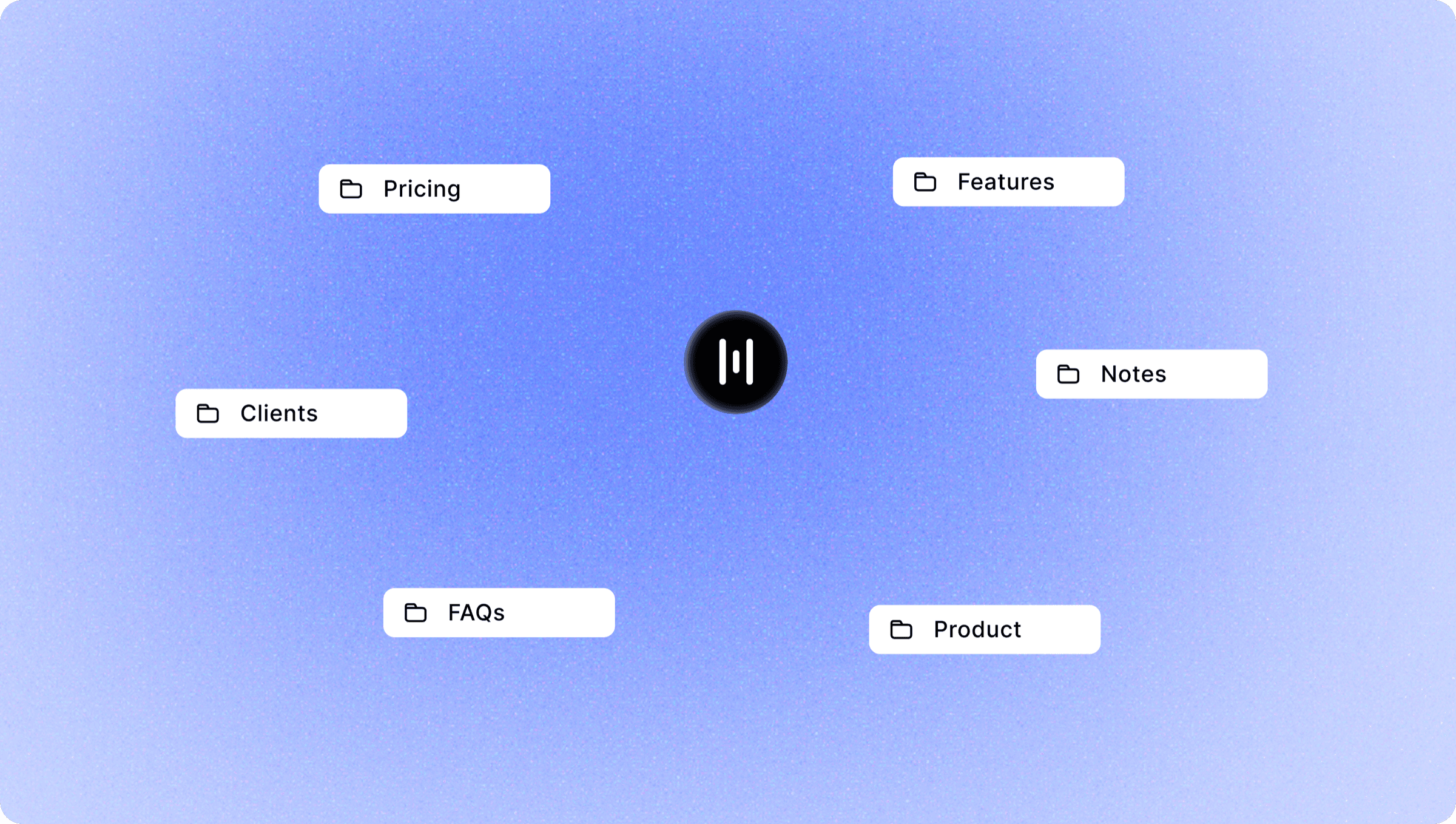
Sell in the language
your buyer speaks.
Transcripts and answers in 20 languages. Boxy keeps up when a call moves between Hindi and English, or starts in Spanish and ends in English.
From people who sell on calls.
"I sell insurance tech to claims teams, and they ask very specific questions about fraud checks and how we fit their systems. My product notes are in Hintro, so the answer is on my screen before I start fumbling. Half these calls happen in Hinglish and it keeps up fine."

"We sell hardware to defence and industrial buyers, and every call has a technical question I have to get exactly right. Boxy pulls the answer from our own specs, and the follow-up email is ready when the call ends, so it goes out the same day."

"Nothing joins the meeting, so it never becomes a topic with the client. I start a session and just focus on the conversation. When a key account pushes back, one click and I have a proper answer from our own account notes."

Nothing joins your call.
Nobody else sees Boxy.
No meeting bot, no join message, nothing on the buyer's screen. Hintro runs on your desktop and starts only when you start a session. Audio and transcripts are encrypted in transit and at rest, and you can delete them anytime.
Read our privacy policyQuestions
Does Hintro join my meeting?
No. Nothing joins the call. Hintro runs on your desktop and detects the meeting on its own.
Can the buyer see Boxy?
No. Boxy is on your screen only.
Which apps does it work with?
Zoom, Google Meet and Microsoft Teams, through the Hintro desktop app.
Which languages does it understand?
20 languages, including English, Hindi, Hinglish, Spanish, Arabic and Mandarin. It keeps up when you switch mid-sentence.
Where do Boxy's answers come from?
From your knowledge base and what is being said on the call. The more of your own material you add, the closer the answers sound to how your team sells.
Do I need to tell others I use Hintro?
Hintro runs privately on your device. If you record or transcribe calls, follow the laws and company policies on participant consent where you are.
Is there a free trial?
Yes. Get started free, then pick a plan when you are ready.